How to Archive Voice Notes for Your Family
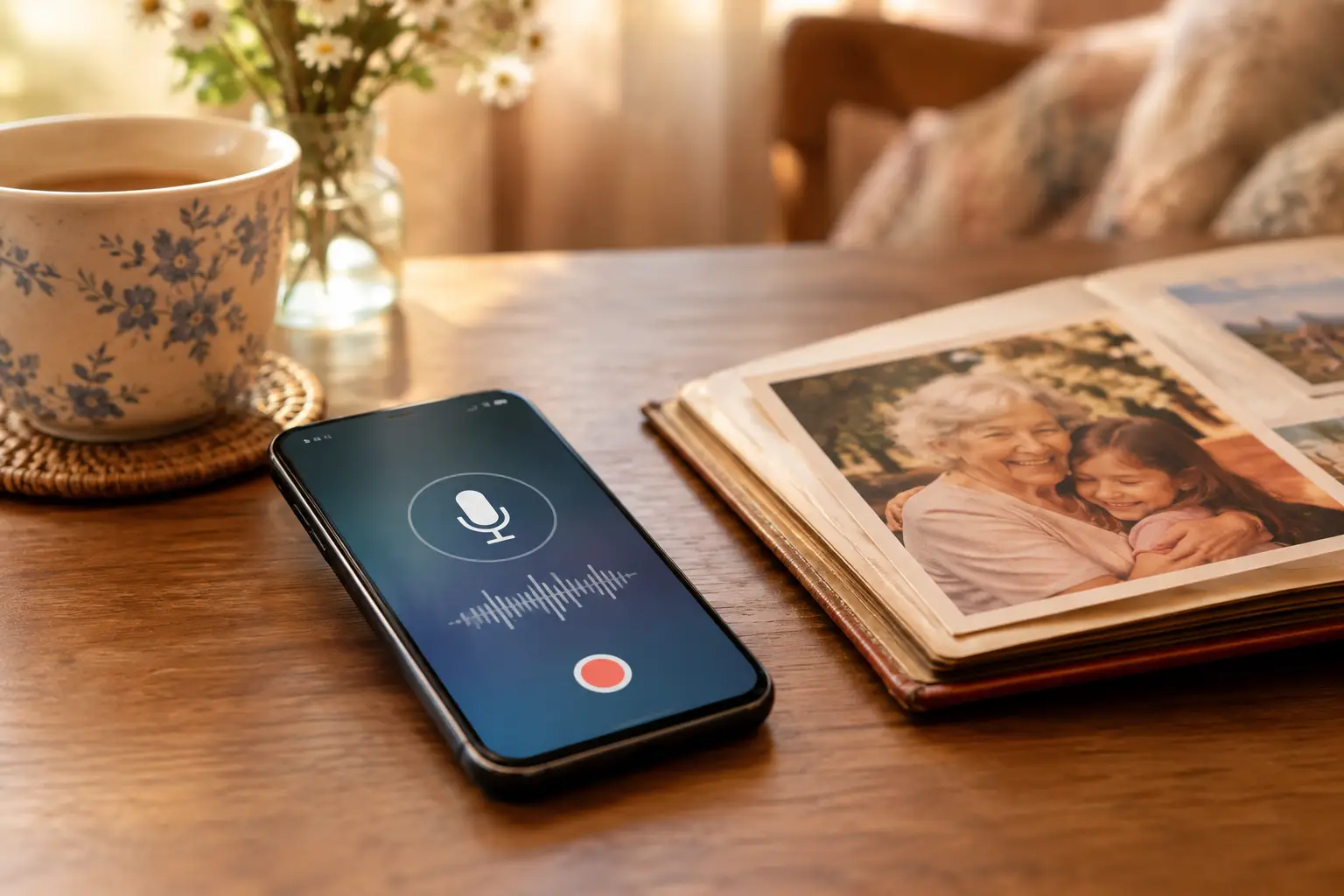
A voice note can seem small in the moment: a birthday greeting, a recipe told from memory, a familiar laugh at the end of a message. But when someone is no longer available to call, that recording can become one of the most meaningful things a family owns. Learning how to archive voice notes gives those everyday sounds a safer, more lasting place in your family story.
The goal is not simply to move audio files off a phone. It is to preserve the context around them, make them easy to find, and ensure the people who love them can listen when they need to. A thoughtful archive can hold the voice itself, the memory behind it, and the connection it creates across generations.
Start by gathering every recording you can find
Voice notes often live in more places than families expect. A parent may have sent messages through text, while a grandparent left voicemails, recorded clips in a phone app, or appeared in videos saved to a computer. Begin gently. This process can bring up grief, joy, and unexpected memories, so there is no need to do it all in one afternoon.
Check the phone or tablet first, including its voice recorder app, text-message threads, and messaging apps. Then look through voicemail, email attachments, cloud storage folders, old laptops, external drives, and family members' devices. Ask siblings, cousins, and close friends whether they have messages they would be willing to share. The briefest clip may be the only recording of a loved one's natural speaking voice.
As you collect files, make copies before editing, trimming, or converting anything. Keep the original recording untouched whenever possible. It is the closest thing to a master copy, and it may contain details you appreciate later: a pause, background sounds from home, or someone else's voice responding.
Create one clear home for the archive
A folder named “Voice Notes” is a start, but an archive works best when it has a simple structure that anyone in the family can understand. Choose one primary location for your working collection, such as a secure computer folder or trusted cloud storage account. Avoid leaving the only copy inside a messaging app, where it can be hard to search, download, or recover.
Organize the archive by person first. Within that folder, you might create folders for years, occasions, or themes such as “Stories,” “Advice,” “Holidays,” and “Messages for Family.” The right system depends on how many recordings you have. For ten clips, a straightforward date-based folder may be enough. For hundreds, categories will make future listening far easier.
Use names that tell a future family member what they are opening. Instead of leaving a file called “Audio 0317,” try a format like this: “2019-12-25_Grandma-Rose_Christmas-blessing.” Including the date, speaker, and a short description prevents a collection from becoming a mystery years from now.
If the exact date is unknown, do not let that stop you. Write “approx-2014” or use a meaningful description such as “Dad discussing first apartment.” An honest note is better than a precise-looking guess.
Save the story beside the sound
Audio is powerful on its own, but a few lines of context can make it even more precious. Create a simple document or note for each recording, or add a written description in the file details. Record who is speaking, where the message came from, when it was made if known, and why it matters.
For example, a note might say: “Voicemail from Mom to Elena after the birth of her first child. Recorded two days after the baby came home.” That information gives future listeners a doorway into the moment. Without it, even a beloved voice can lose part of its meaning over time.
You do not need polished transcripts for every clip. A short summary is often enough. For especially important recordings, a full transcript can be useful for relatives who are hard of hearing, for searching the archive, or for preserving stories that are difficult to understand because of background noise.
Choose file formats with the future in mind
Many voice notes are saved in formats designed for a particular phone or app. They may still play years from now, but it is wise to create a widely compatible copy as part of your archive. MP3 and WAV are common choices. MP3 files are smaller and convenient for sharing; WAV files are larger but can retain more audio detail.
There is a trade-off. Converting a file may be helpful for access, but repeated conversion can reduce quality. Keep the original file, then make one archive copy in your chosen format if needed. Label the converted version clearly so no one mistakes it for the original.
Before considering the job finished, play several recordings on a different device. Confirm that the files open, the sound is clear enough, and the names still make sense outside the original app. A recording that exists but cannot be found or played is not yet truly preserved.
Use more than one backup
A single phone can be lost, damaged, replaced, or locked. A single computer can fail. Even a cloud account can become inaccessible if no one knows the login information. The safest approach is to keep at least three copies: your primary archive, a backup on a separate physical drive, and a backup stored securely online or with a trusted family member.
This does not need to become complicated. Once your folders are organized, make a copy to an external drive and store it in a safe place. Then maintain another copy in a secure digital location. Review the archive once or twice a year, especially after adding new recordings, to make sure everything still opens.
For a memorial archive, consider who should have access if you are unable to manage it. Document where the files are kept and how a trusted person can reach them. Privacy matters here. A private message, medical conversation, or recording made without the speaker's expectation of broad sharing should be handled with care. Families can preserve a voice without making every recording public.
Decide what should be shared and what should remain private
Not every voice note belongs in the same place. Some recordings are intimate family keepsakes. Others are beautiful to share at a celebration of life, an anniversary, or with children and grandchildren who never had the chance to know the speaker.
Create separate folders for private and shareable audio. This distinction helps prevent accidental sharing and gives family members confidence that personal messages will be respected. When several relatives are involved, agree on a simple rule: ask before posting or distributing a recording that includes someone else.
For the voices you want future generations to hear, consider placing selected recordings in a dedicated legacy memorial. VoiceForEternity gives families a way to organize voices, stories, and memories on a permanent QR-linked memorial page, so a loved one's voice can be heard from a meaningful physical place as well as from afar.
A curated collection is often more inviting than a large folder of unnamed files. Choose a few clips that show different sides of the person: their humor, a favorite saying, a story from childhood, words of encouragement, or the way they said “I love you.” These are not replacements for the full archive. They are an introduction to the person behind it.
Keep recording while you can
The most valuable archive is not always built after a loss. If a loved one is still here, begin with what feels natural. Ask them to tell the story behind a family photograph, explain how they met their spouse, describe a favorite tradition, or leave a message for a grandchild. A formal interview can be meaningful, but a relaxed conversation often captures the voice people remember best.
Do not wait for perfect conditions. The kitchen may be noisy. Someone may lose their train of thought. A story may take three tries. Those human moments are part of what makes a voice recording feel alive.
Save each new recording promptly, give it a clear name, and add it to the same archive. Small habits now spare your family the uncertainty of searching later. More than a digital task, this is an act of care: making room for a voice to remain present, familiar, and ready to be heard when it matters most.